

Progress photos, on record.
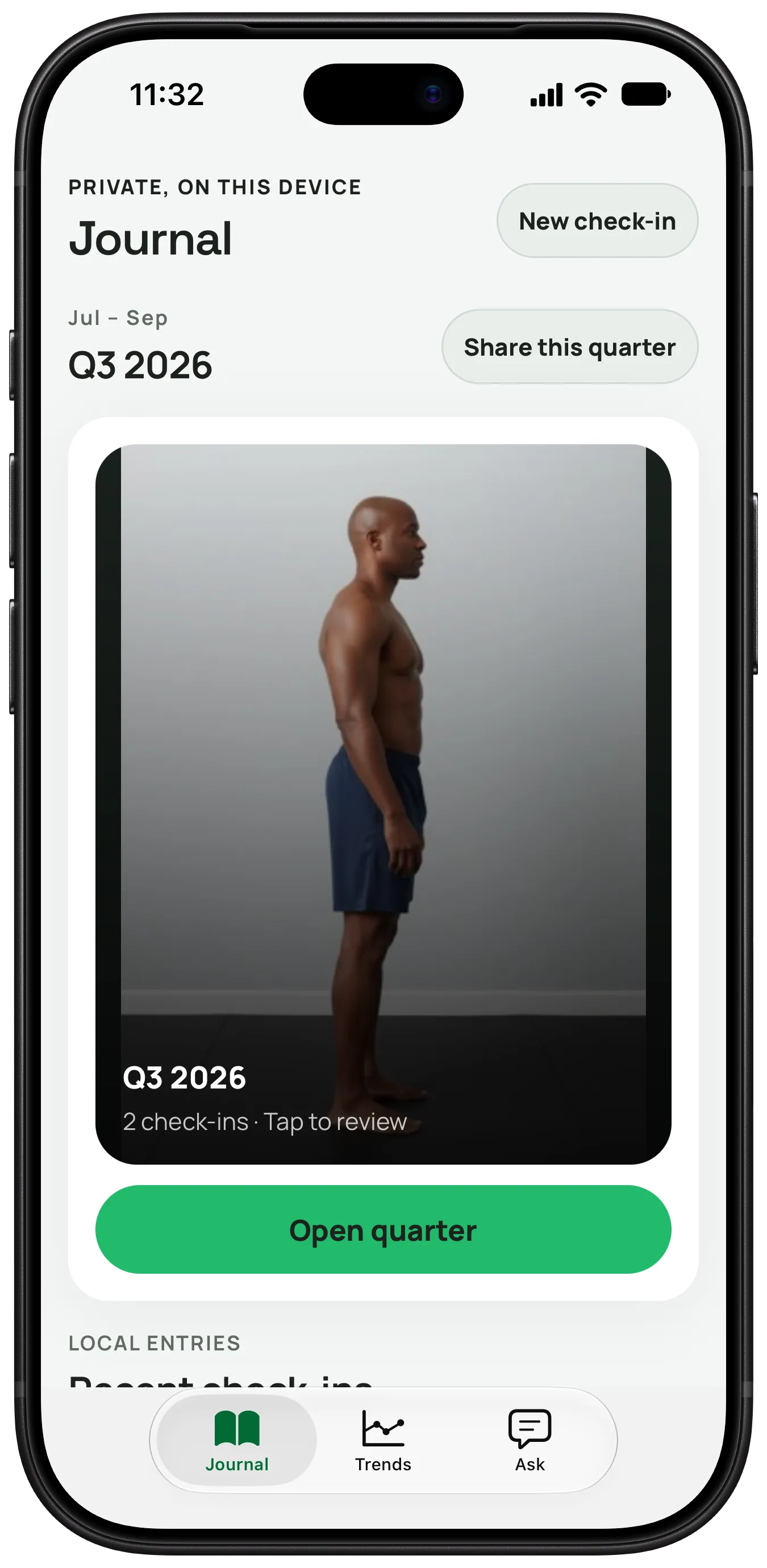
PhysiqueProof is a private progress-photo journal for iPhone. Check in with the same poses, then compare any two dates side by side or with a slider.
Free to download. A Pro subscription is required to use the app.
How it works
One record, kept the same way every time.
Check in with the same poses.
Pose guides and an on-device pose check help keep your framing consistent. Every check-in files into Journal, organised by day and quarter.
- Front
- Front flexed
- Left side
- Right side
- Back
- Legs
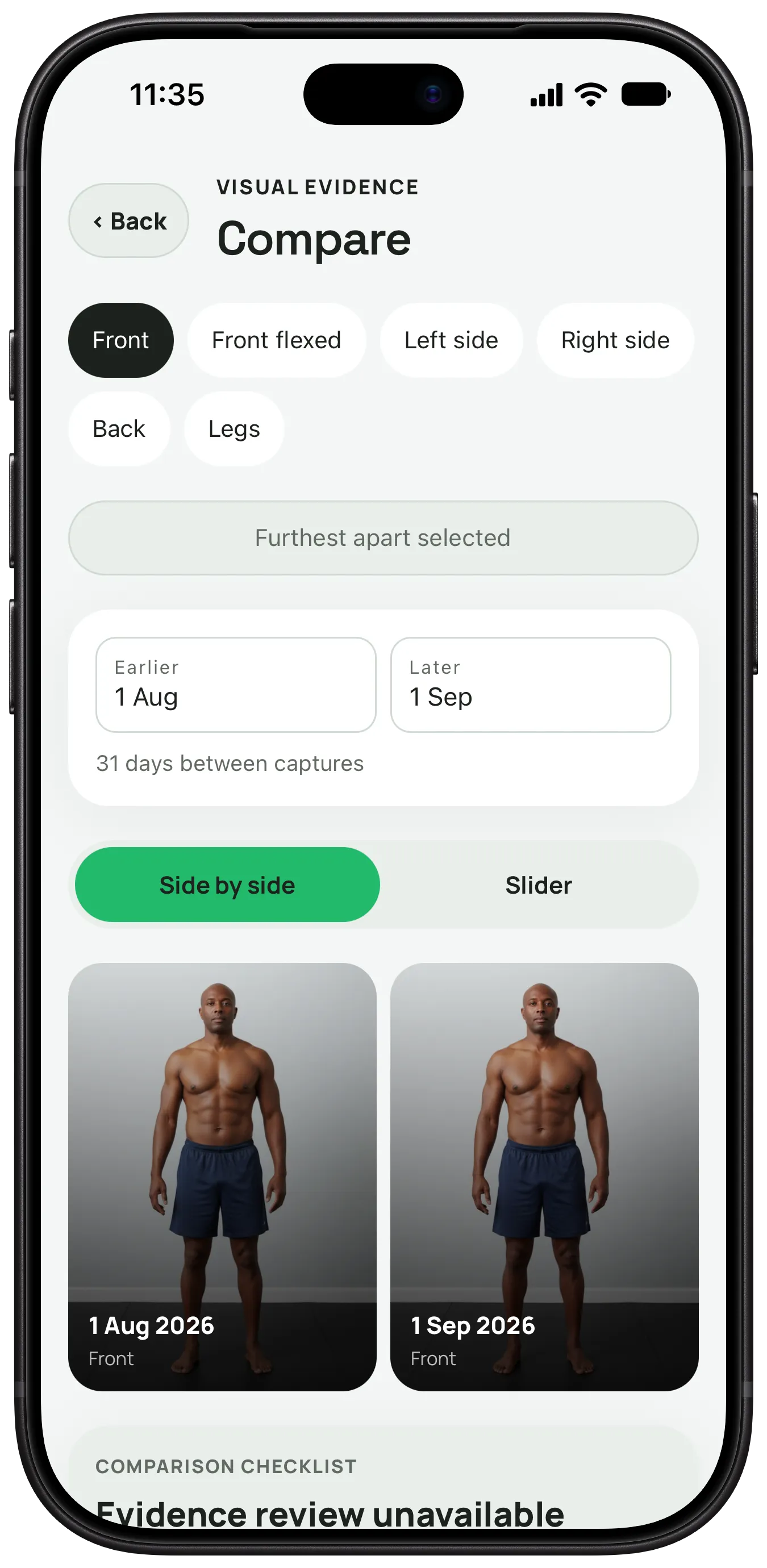
Then compare any two dates.
Side by side or with the slider, lined up on shoulders and hips. Check differences in pose, framing and light before you compare.
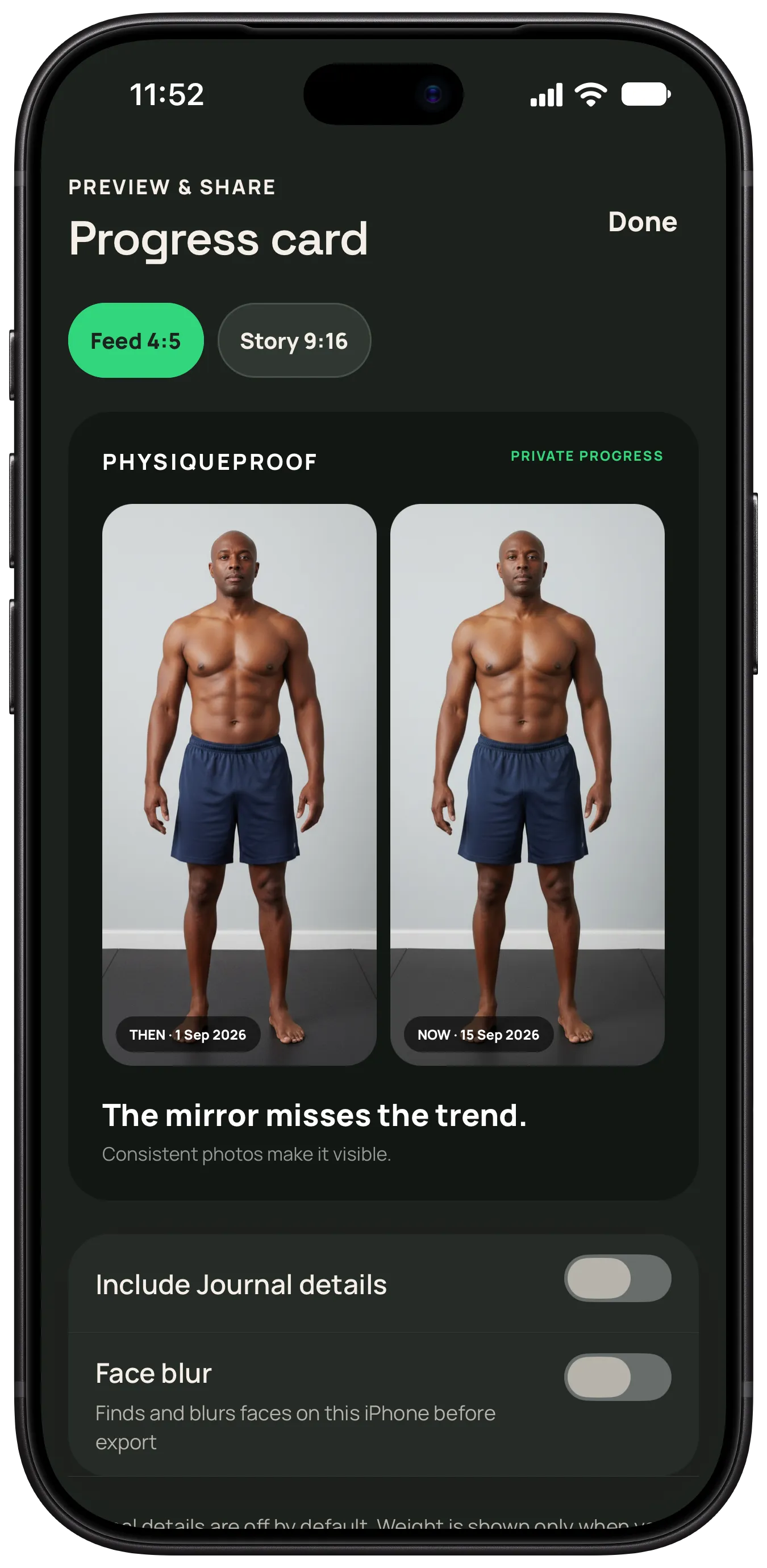
Share it on your terms.
Turn two dates into a progress card, or make a same-pose reel, on your iPhone. Journal details stay off unless you switch them on, and face blur can hide faces before export.
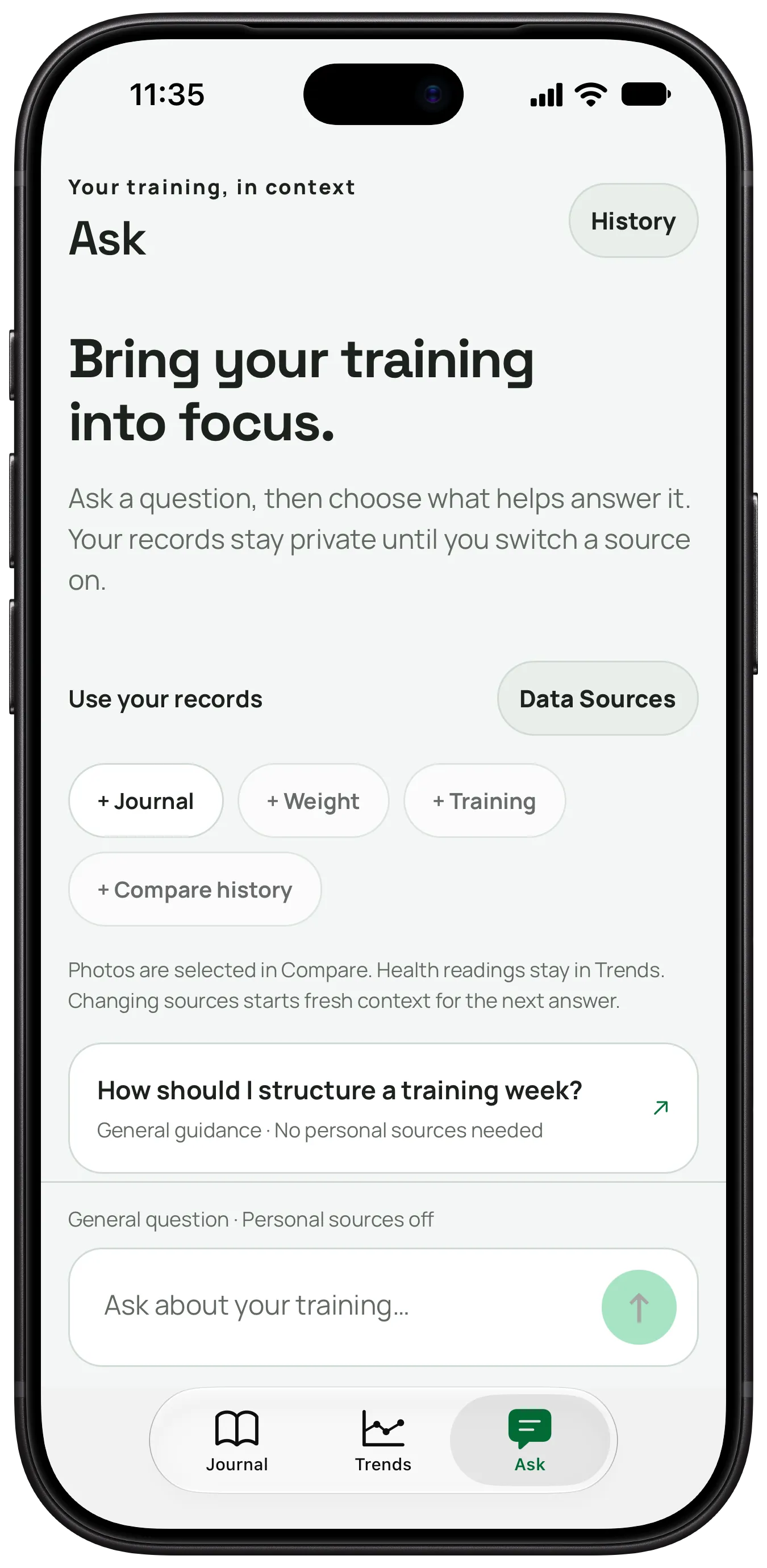
Ask about your training.
Use the sources you choose: Journal, weight, training and Compare history. Personal sources start off, and Ask never receives your progress photos.
Screens from the iPhone app with sample records. Sample photos are AI-generated.

Progress shows when the method stays the same.
Same poses. Dated check-ins. Any two dates, side by side.
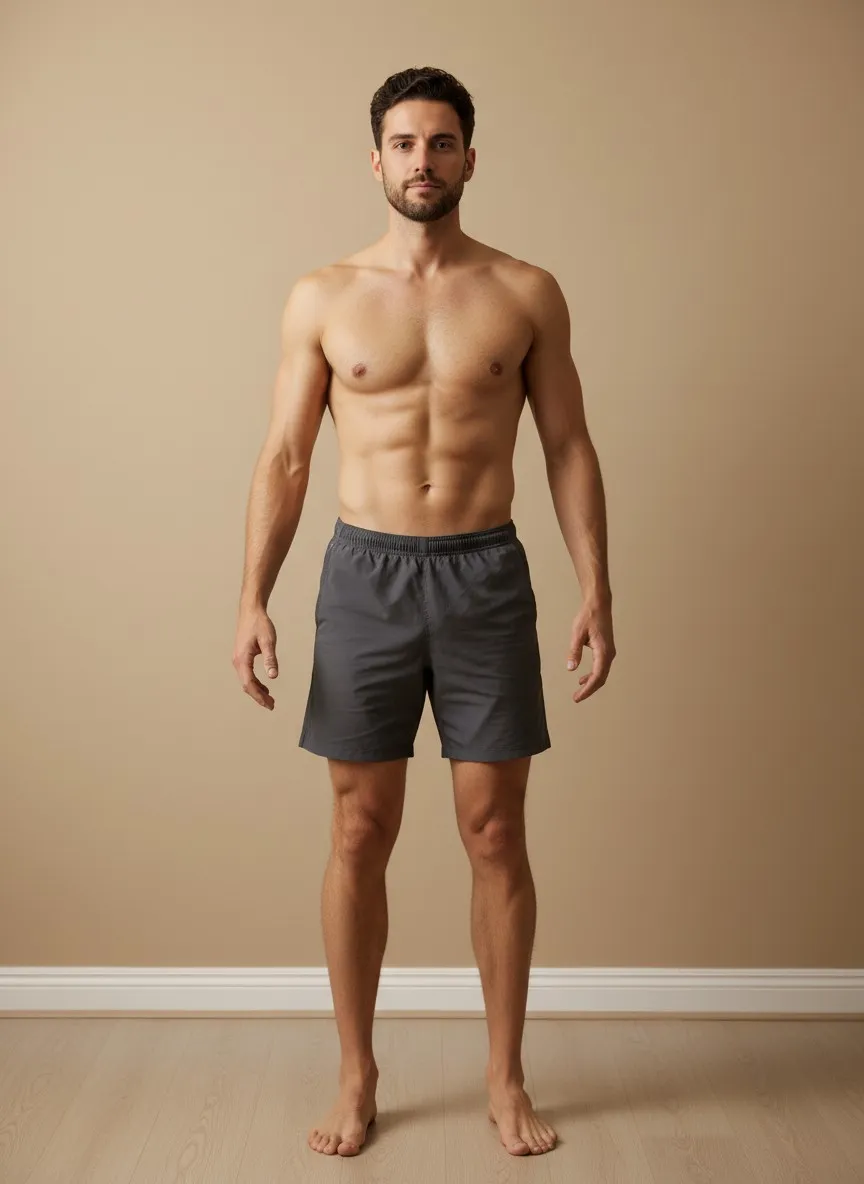
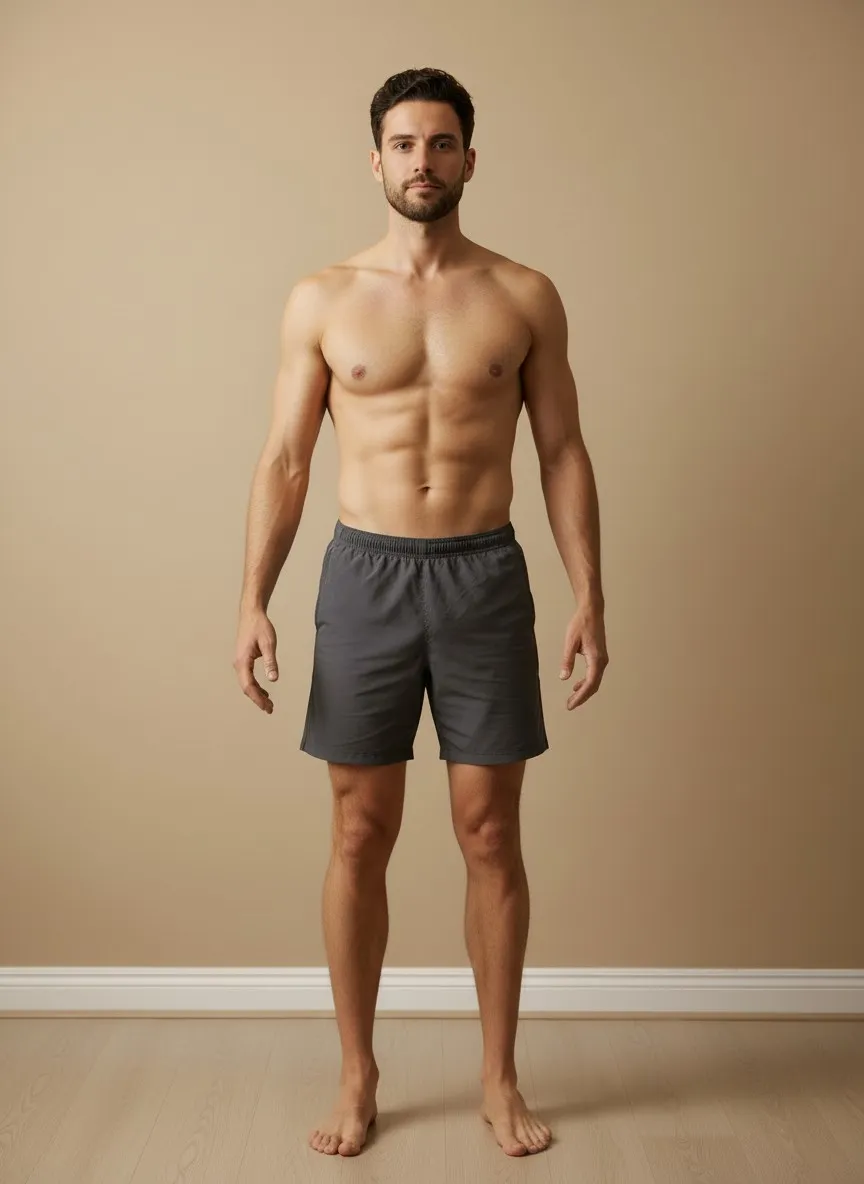
Same pose. Two dates.
This is how Compare works in the app. Switch between side by side and the slider, then drag the divider across the frame.
Sample photos, AI-generated. Not a customer, and not a result.
Front
31 days apart
The rest of the app
Every other feature works from what you have recorded, and only from that.
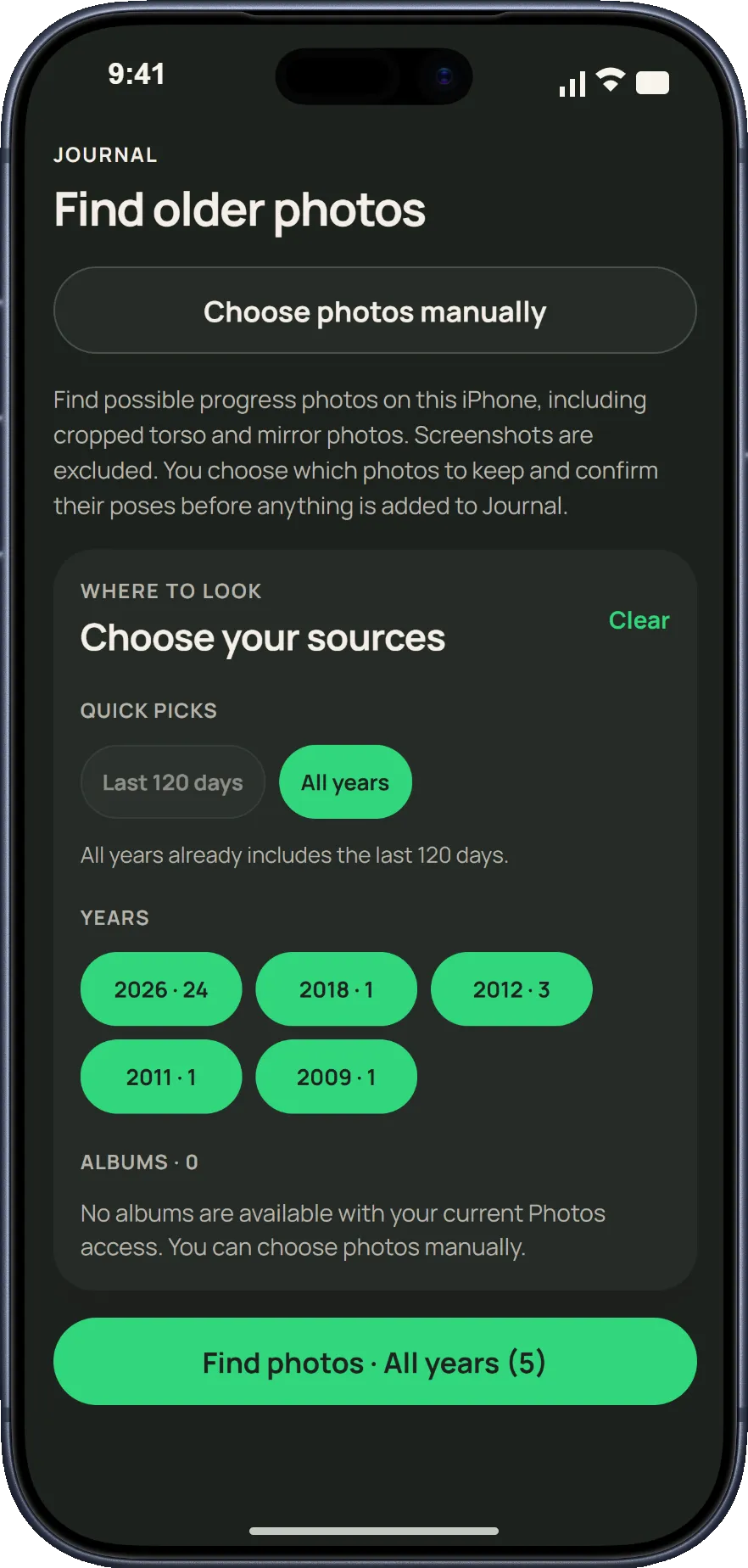
Find older photos
Choose from your photo library, then confirm each photo's date and pose before it joins Journal.
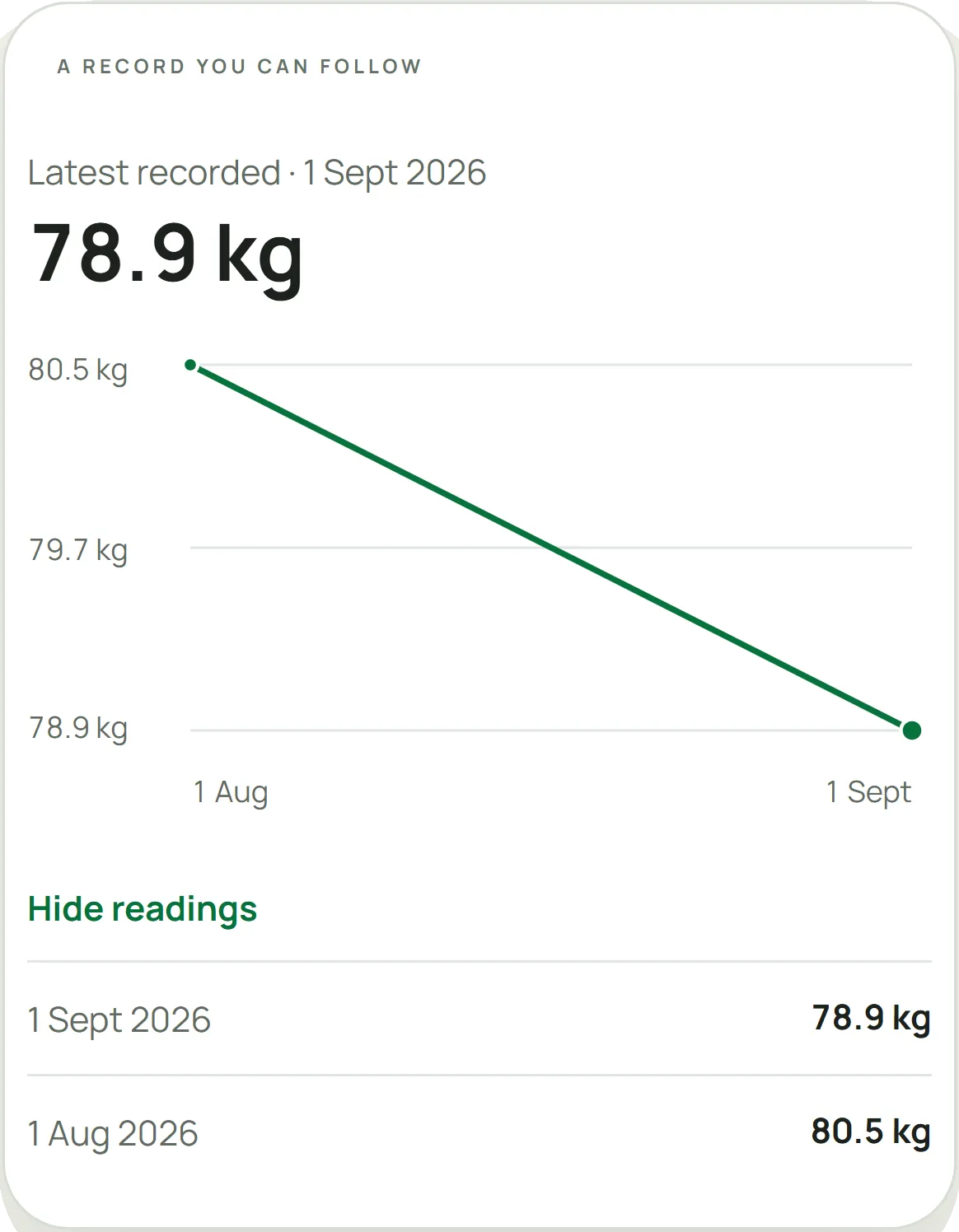
Weight, in perspective
Keep dated weigh-ins alongside your check-ins. Trends gives a weekly rate when your readings show a clear direction.
- Body mass
- Body fat percentage
- Lean body mass
- Waist circumference
- Workouts
Apple Health, if you want it
With your permission, Trends shows these over a rolling 180 days, on your iPhone. Hevy workouts can join in with a Hevy Pro API key.
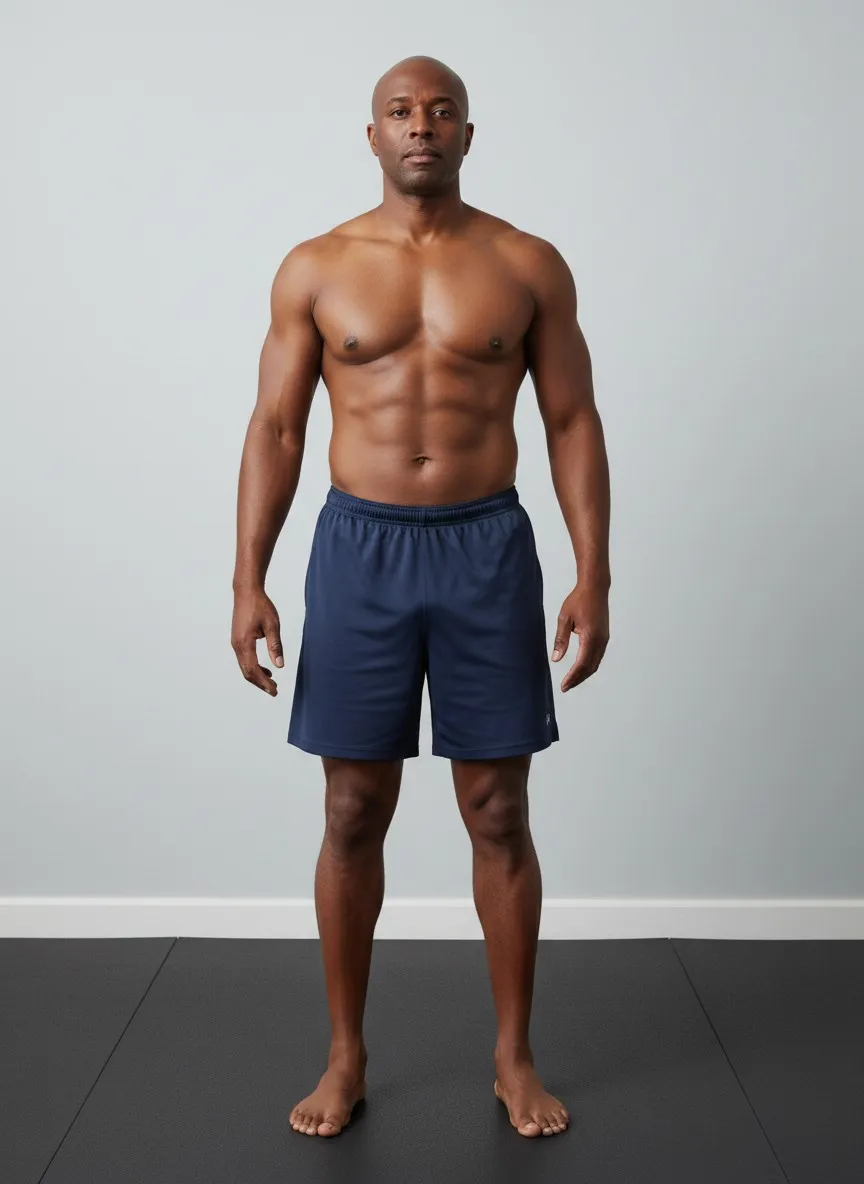
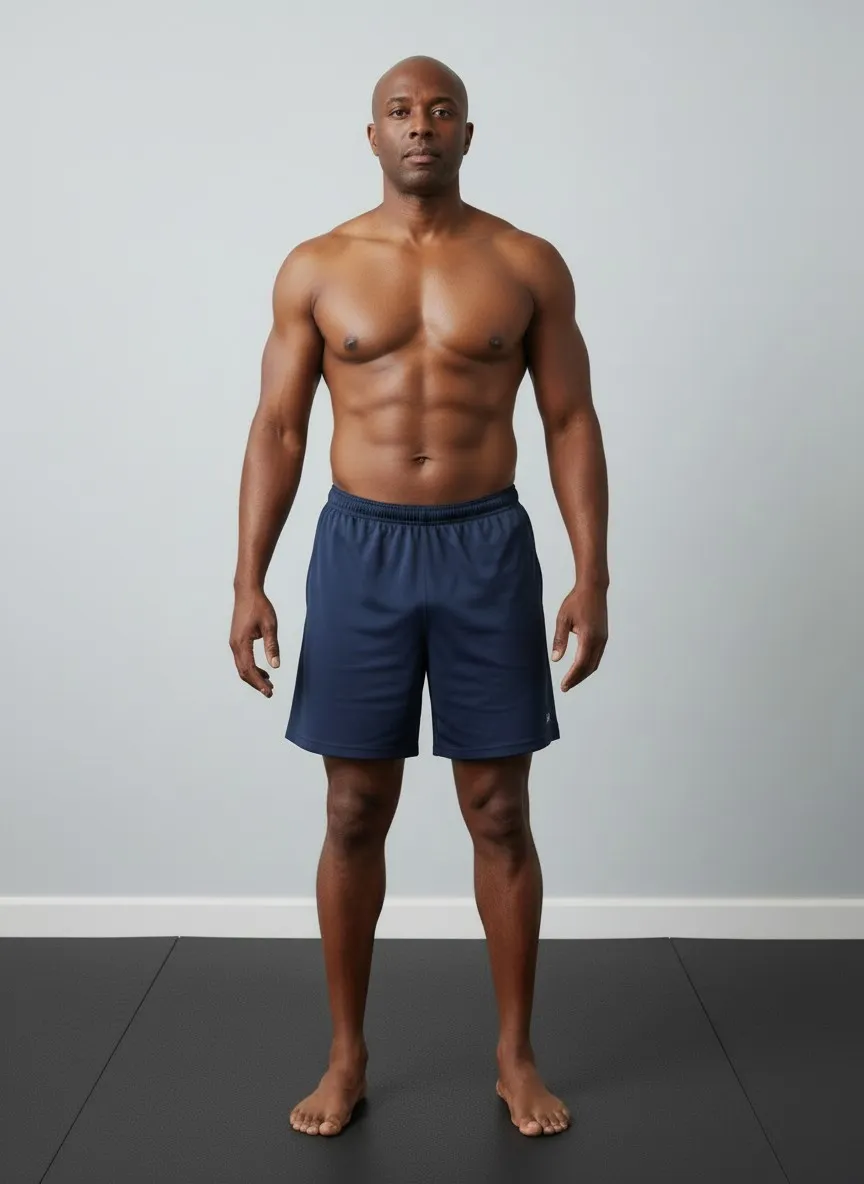
Same pose, two dates. Sample photos, AI-generated. Reels and share cards
Make a reel from same-pose photos on your iPhone. Weight stays off unless you switch it on, and cards can use a plain background.

Locked, exported or deleted
Lock the app with Face ID, share a quarter as a PDF, export your records, or delete your account and local data.
Your photos stay
on your iPhone.
PhysiqueProof keeps a private record. The camera, your photo library, Apple Health and Hevy are only asked for when you use them from inside the app.
- Original progress photos and full Ask conversations stay on your device.
- For an optional Compare review, only reduced, metadata-stripped temporary copies of the selected photos are uploaded. If their deletion cannot be verified, the result is withheld.
- Ask receives no progress photos, and Apple Health samples are never sent to online AI.
- Online AI uses Google Gemini and needs sign-in, your permission and confirmation that you are 18 or older. You can withdraw permission in Settings.
- PhysiqueProof does not use photos to provide body measurements, appearance grades, medical conclusions or predictions.
As it appears on the App Store.
The six screenshots from the listing. Sample records; the photos are AI-generated.
See the listing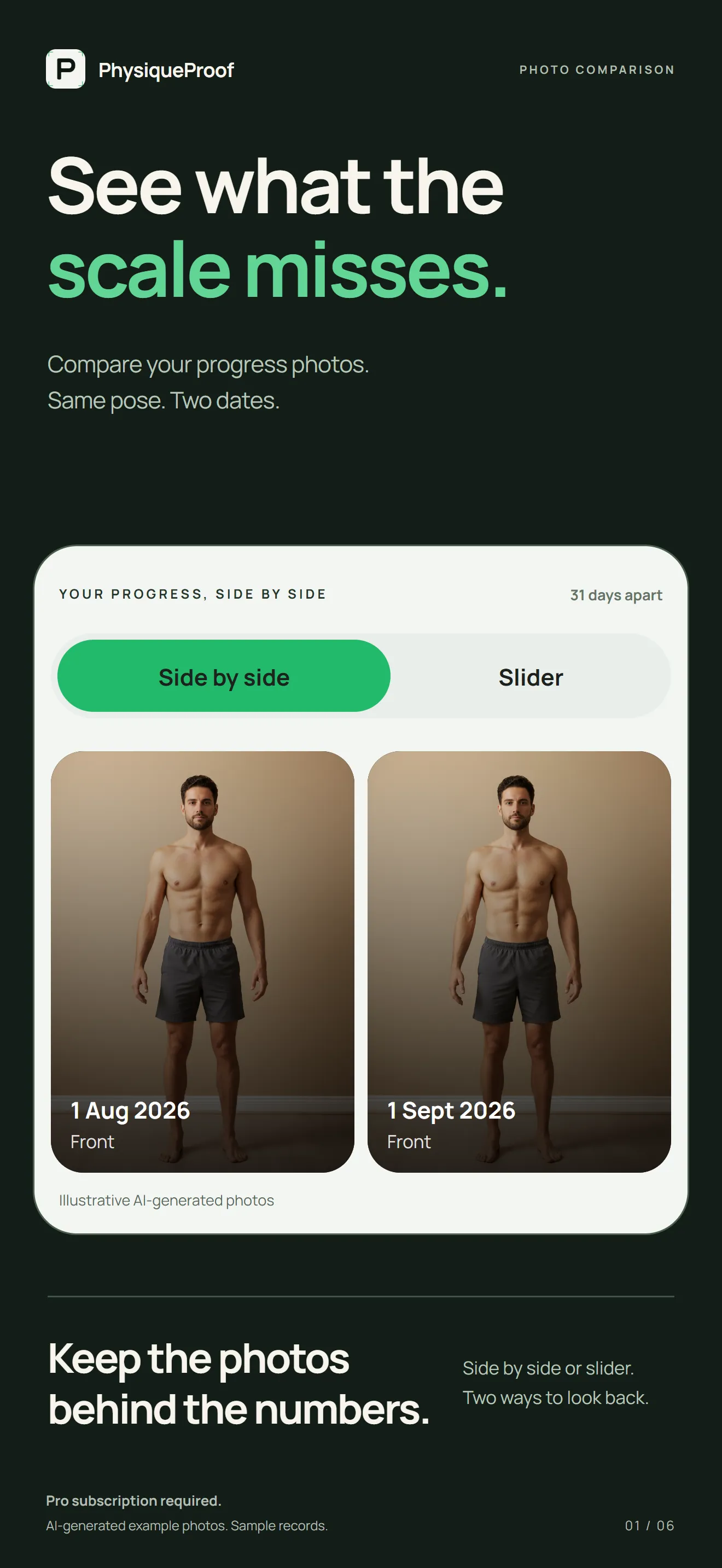
01 Compare. The same pose on two dates, side by side or with the slider.
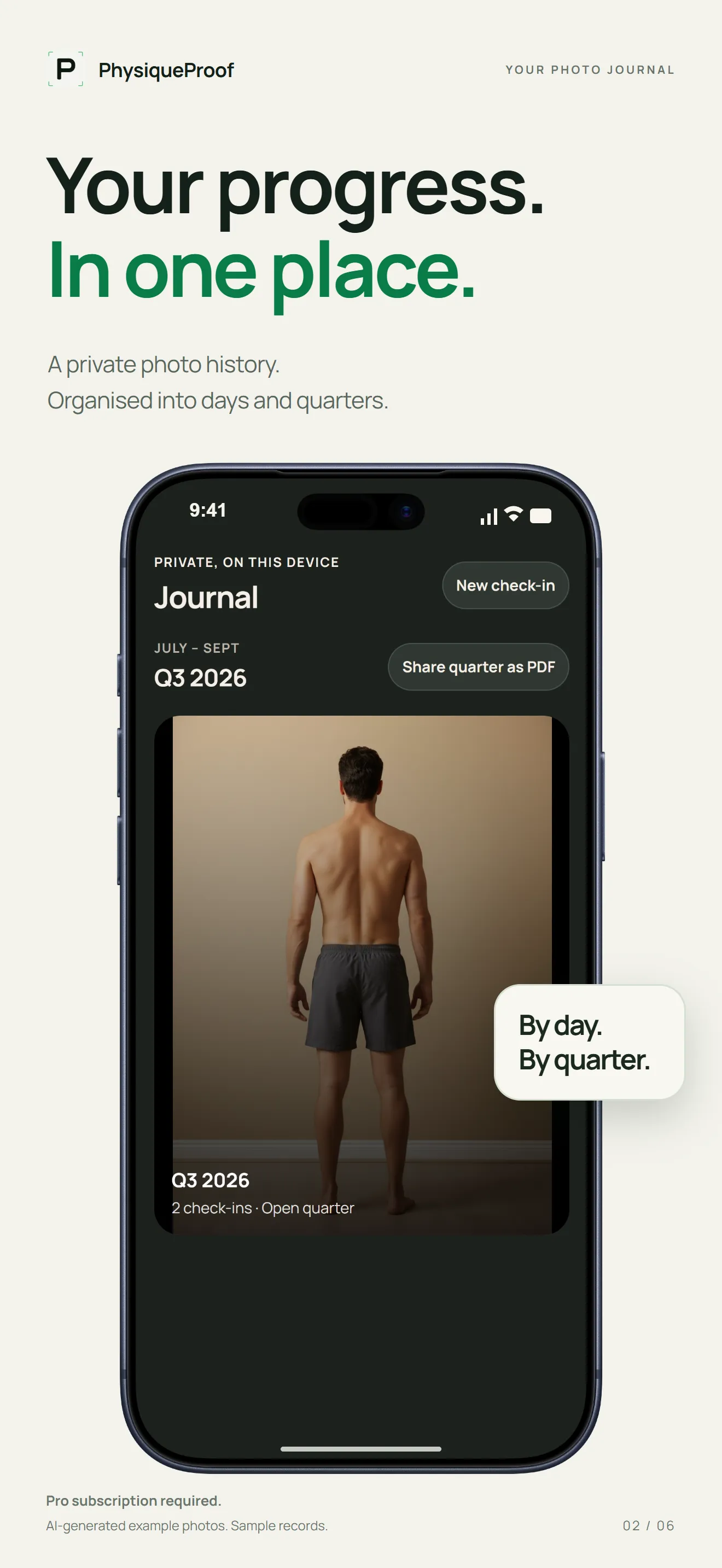
02 Journal. A private photo history by day and quarter, each quarter ready to share as a PDF.
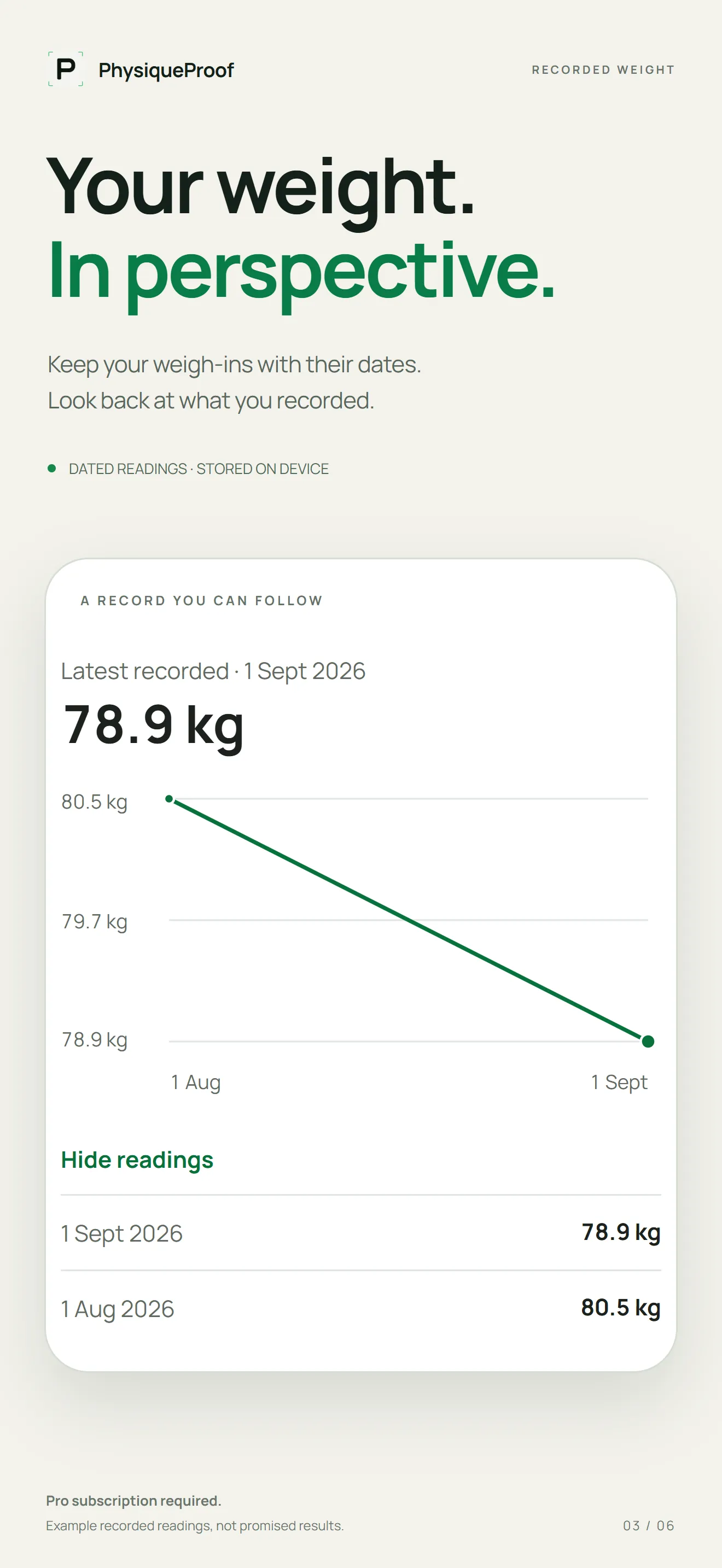
03 Weight. Weigh-ins with their dates, so you can look back at what you recorded.
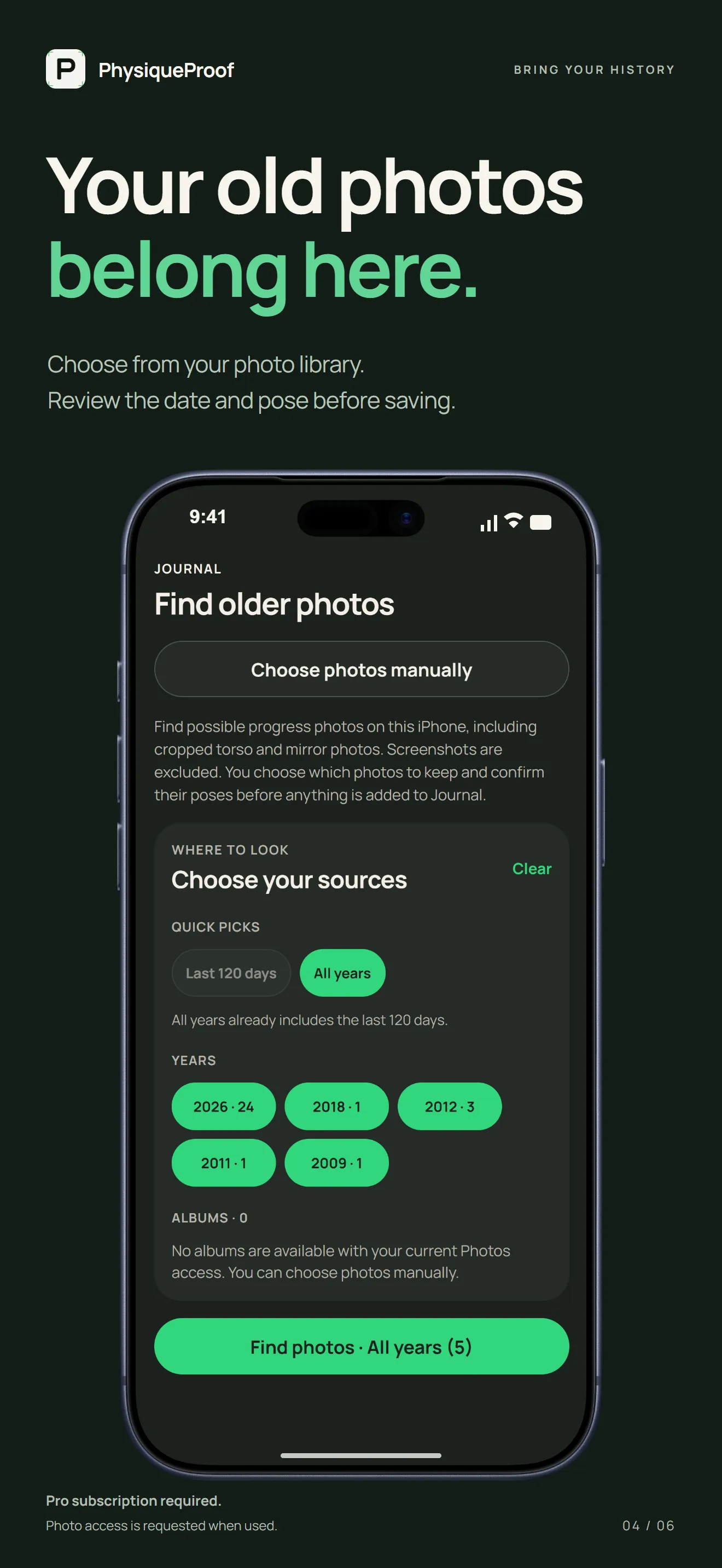
04 Older photos. Choose from your photo library and confirm each date and pose before saving.
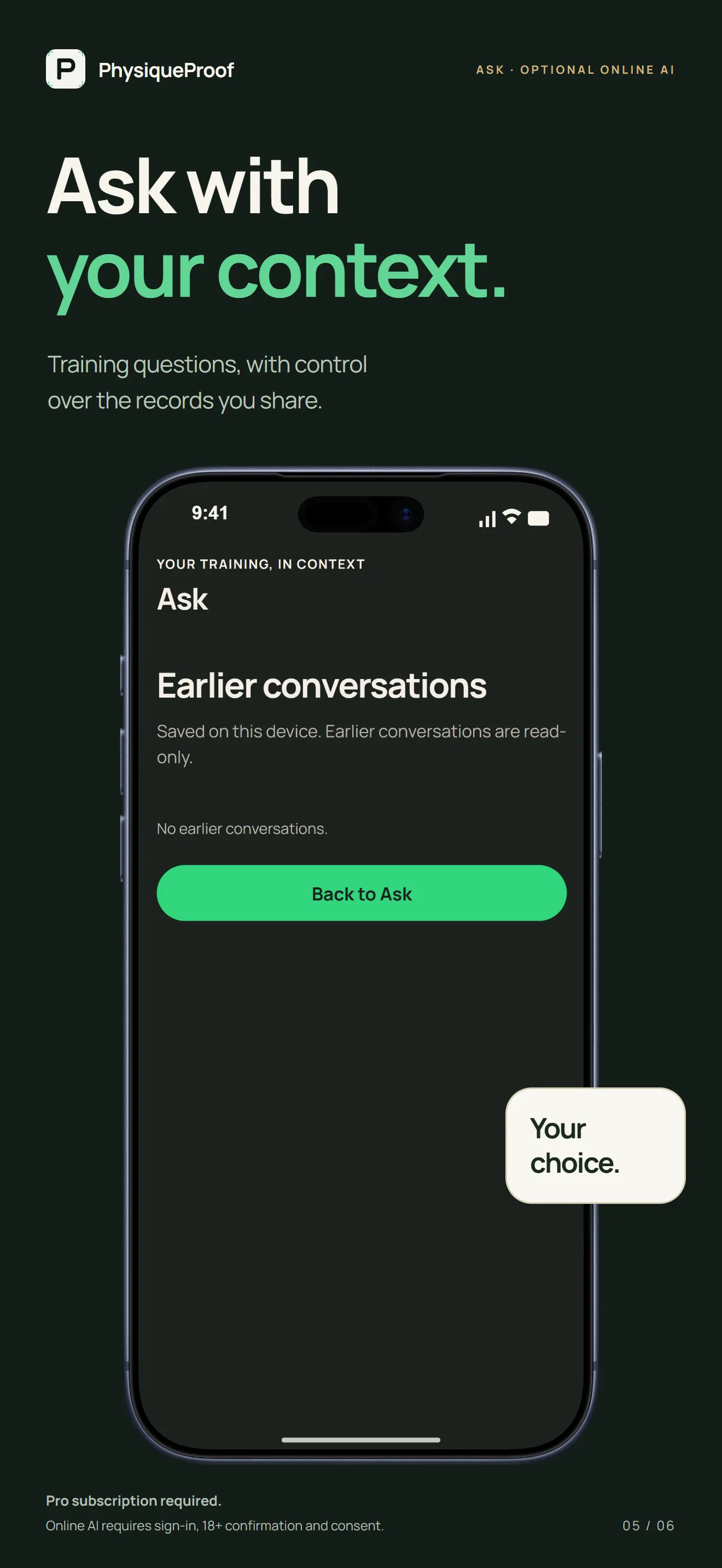
05 Ask. Training questions, with control over the records you share. Online AI is optional.
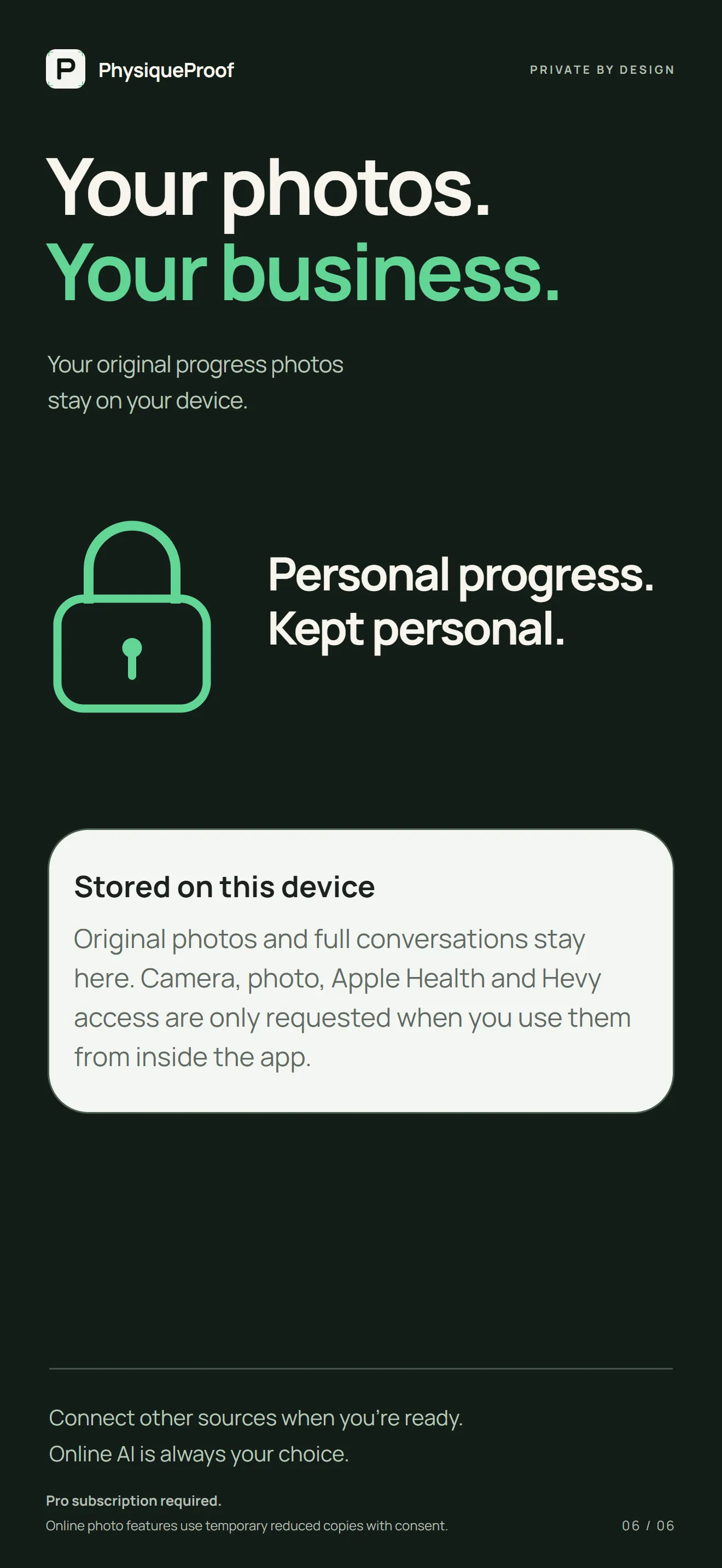
06 Privacy. Your original progress photos stay on your device.
PhysiqueProof Pro is the whole app.
Both plans include the same features, including 12 paired photo reviews each calendar month and 8 Ask questions each day. Allowances reset at midnight UTC and apply during the trial too.
A$59.99 per year
Starts with a 7-day free trial for eligible new subscribers, then renews each year. About 37% less than twelve monthly payments.
Start Yearly on the App StoreA$7.99 per month
The same app, billed each month. The monthly plan has no free trial.
Start Monthly on the App StoreAustralian prices, including GST. The App Store shows your local price and trial eligibility before you buy. Payment is charged to your Apple Account, and the subscription renews automatically unless cancelled at least 24 hours before the trial or current period ends. Manage or cancel in your Apple Account settings.
Questions, answered
It is free to download, but the app needs PhysiqueProof Pro to use: A$59.99 a year or A$7.99 a month in Australia. Eligible new subscribers get a 7-day free trial on the yearly plan; the monthly plan has no trial.
On your iPhone. Original progress photos stay on the device. If iCloud Backup is on, your iPhone backup includes PhysiqueProof’s local records under your Apple backup settings. Kovus has no access to device backups.
Only what you choose to share. Online AI uses Google Gemini and needs sign-in, your permission and confirmation that you are 18 or older. A Compare review uploads reduced, metadata-stripped temporary copies of the selected photos, and Ask receives no progress photos or Apple Health samples. You can withdraw permission in Settings.
No. PhysiqueProof does not use photos to provide body measurements, appearance grades, medical conclusions or predictions. If you have a reading from an external method, you can record it yourself, and it stays on your iPhone.
No, both are optional. With permission, Trends can show body mass, body fat percentage, lean body mass, waist circumference and workouts from Apple Health. Hevy needs a Hevy Pro API key and only joins Ask when you switch it on.
Yes. Settings has data export and Delete account and local data. Deleting your account does not cancel an Apple subscription, so manage that in your Apple Account settings.
Something else? Visit support.

Start your record.
Download PhysiqueProof, choose your goal in a short setup and take your first check-in. For iPhone with iOS 16.4 or later.
